How to Install CSF Firewall on Linux

Using a firewall is a good start if you care about keeping your Linux server safe. CSF (ConfigServer Security & Firewall) makes it simple to protect your server. In this guide, I will show you step-by-step instructions on installing CSF on Linux and share a few tips to make the process smooth and fast.
Table of Contents
What Is CSF?
CSF is a firewall tool that helps you manage inbound and outbound traffic on your Linux server. It is easy to use and works with many Linux distributions. With CSF, you can control which ports are open and who can access them.
Requirements
Before you start, make sure you have:
- A Linux server (for example, Ubuntu, CentOS, or Debian)
- Root or sudo access to run commands
- A stable internet connection
Step-by-Step Installation
The installation process is straightforward. Follow these steps:
sudo apt update && sudo apt install wget -y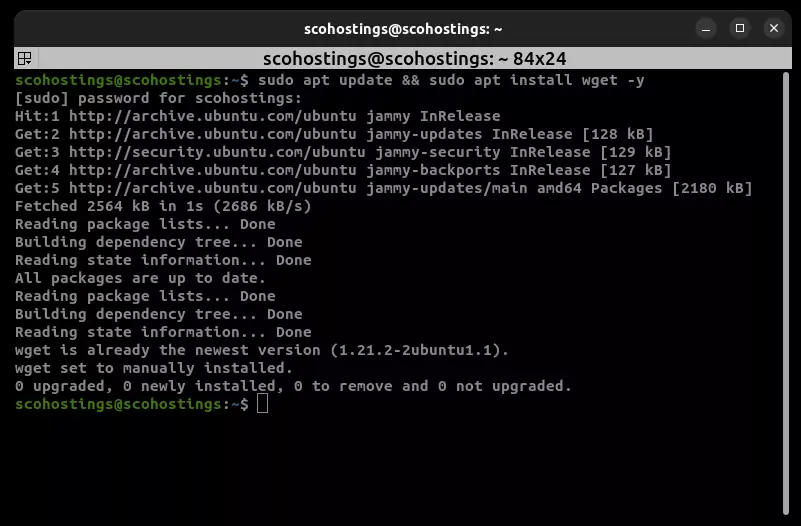
Download and extract CSF:
wget https://download.configserver.com/csf.tgz && tar -xzf csf.tgz && cd csf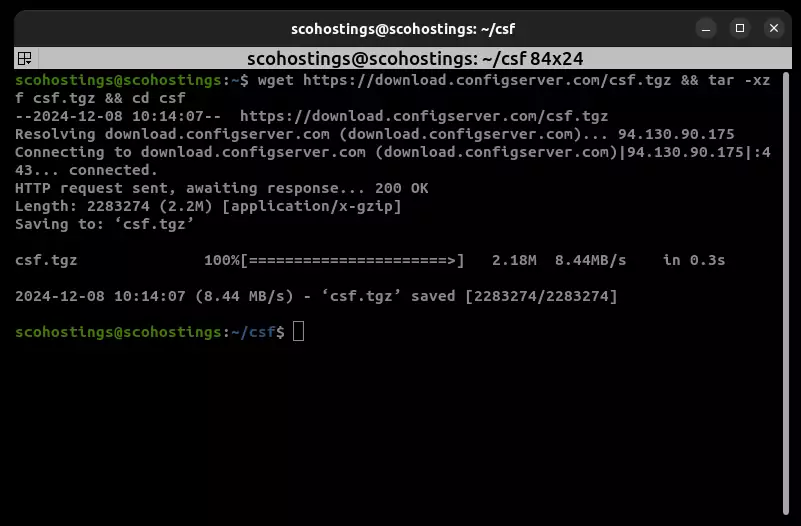
Run the installer:
sudo sh install.sh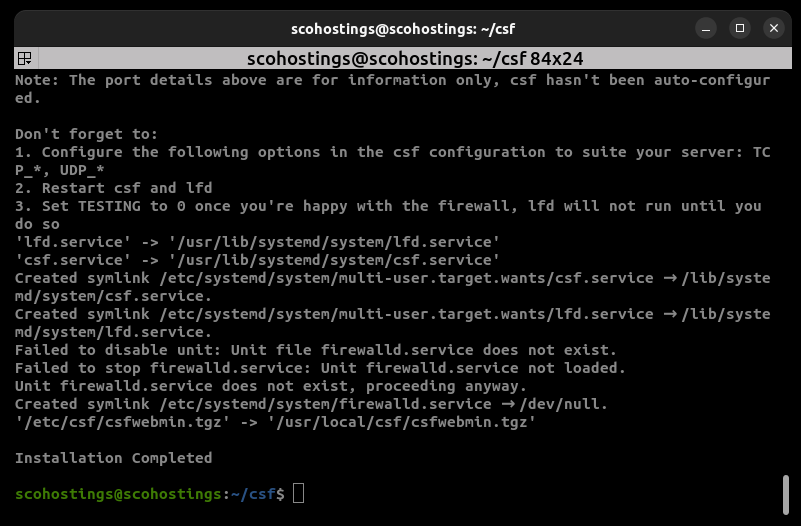
Once done, CSF should be installed. You can find its configuration in /etc/csf/csf.conf.
Testing CSF
Check if CSF is working:
sudo csf -v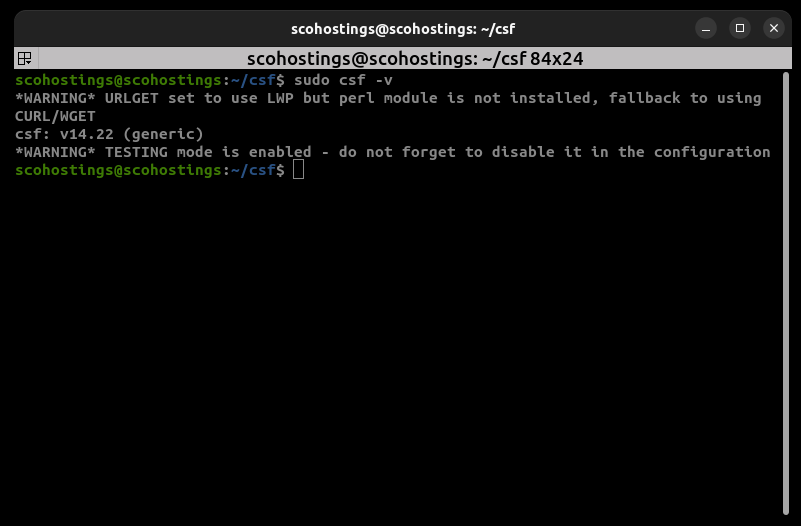
This shows the version of CSF. Now, enable CSF and LFD (Login Failure Daemon):
sudo csf -e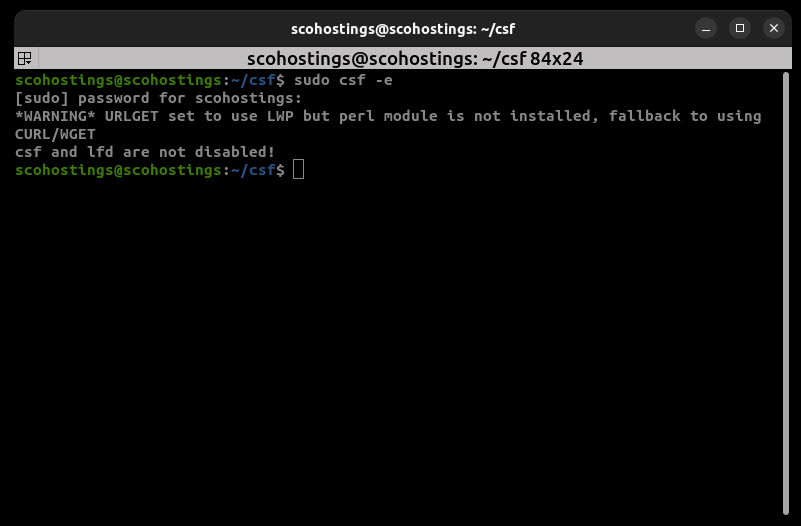
If you see no errors, CSF will now be running. You can also use the CSF commands to check blocked IP addresses or open ports.
Efficient Tips
- Backup Config: Before making changes to
csf.conf, create a backup. This way, you can always go back if something breaks. - Use Templates: If you open and close the same ports often, write them down once and keep a template. Then, copy and paste.
- Read the Docs: CSF comes with a helpful README file. Please take a moment to read it. It can save you time later.
- Test Changes Slowly: After making a change, test it before making more changes. This keeps troubleshooting simple.
Conclusion
Installing CSF on your Linux server is not hard. You can set up a strong firewall with a few simple commands to keep your server safe. Take your time to learn the basics, make backups, and test changes step-by-step. In no time, you will have a secure server running CSF.
- #CSF firewall
- #CSF installation
- #firewall installation
- #Install CSF firewall on Linux
- #Linux firewall
- #Linux security
- #Linux server safety
Comments (0)
Sign in to join the discussion
Sign in

